OpenClaw Integration
OpenClaw is the AI agent runtime that powers MosBot OS. It manages agents, workspaces, sessions, channels, and cron jobs. MosBot API connects to OpenClaw to expose this data through a human-friendly interface.
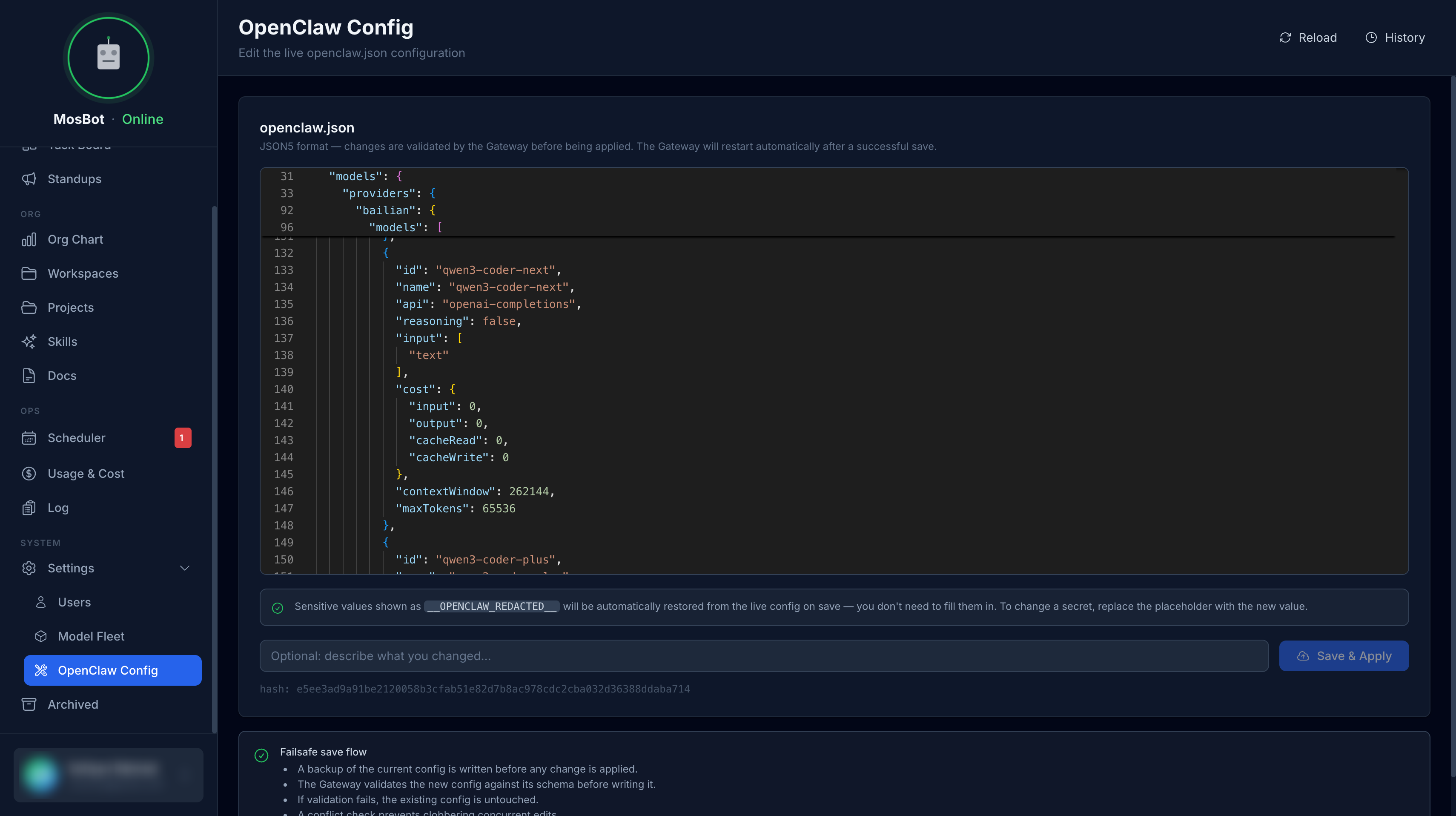
What OpenClaw provides
OpenClaw is the foundation of the complete MosBot OS experience. Without it, MosBot OS provides only basic task management and user management. With OpenClaw connected, you get:
| Feature | Requires |
|---|---|
| Agent Monitor (live sessions, costs) | Gateway |
| Org Chart (agent visualization) | Workspace service |
| Workspace file browser | Workspace service |
| Skills management | Workspace service |
| Agent configuration editing | Workspace service |
Services MosBot connects to
MosBot API connects to two services alongside OpenClaw:
Workspace service (port 8080)
A lightweight HTTP REST sidecar provided by MosBot OS that runs alongside OpenClaw and exposes the OpenClaw workspace filesystem over HTTP. It is not part of the standard OpenClaw distribution — you need to deploy it as an additional container next to your OpenClaw instance, sharing the same workspace volume.
MosBot uses it to:
- Read and write workspace files
- Read and update
openclaw.jsonconfiguration - List agents and their workspace paths
- Manage skills
See Workspace Service for deployment instructions.
Gateway (port 18789)
OpenClaw's own HTTP + WebSocket service that provides runtime control and session data. MosBot uses it to:
- Query live agent sessions
- Retrieve session costs and token usage
- Invoke tools and send messages
- Access real-time agent status
Architecture
MosBot Dashboard
      │
      │ REST API (JWT auth)
      ▼
MosBot API
      │                    │
      │ HTTP               │ HTTP + WebSocket
      ▼                    ▼
OpenClaw Workspace    OpenClaw Gateway
Service (port 8080)   (port 18789)
      │
      ▼
Workspace PVC / filesystem
(agents, workspaces, openclaw.json)
Without OpenClaw
When OpenClaw is not configured (no OPENCLAW_WORKSPACE_URL or OPENCLAW_GATEWAY_URL in .env),
endpoints that depend on OpenClaw return 503 SERVICE_NOT_CONFIGURED. The dashboard will show a
degraded state — task management and user management work, but agent monitoring, workspace browsing,
org chart, and skills will be unavailable.
For the complete MosBot OS experience, OpenClaw should be installed and connected.
Next steps
- Setup OpenClaw — install and configure OpenClaw
- Connect MosBot API — configure the integration variables
- Workspace Service — workspace service details
- Gateway — gateway configuration
- Local Development — port-forwarding for local dev
- Kubernetes — Kubernetes deployment guide